Step 1. Selecting a File
It’s time to ask yourself an important question, what do I want to glitch? For the sake of this tutorial, I will be using Giphy, a GIF hosting website, to convert a 30 second GIF from a 1999 live-action Super Smash Bros. commercial and downloading it as an MP4. If you already have a rawvideo file, you may skip this step.
Getting an MP4 from GIPHY
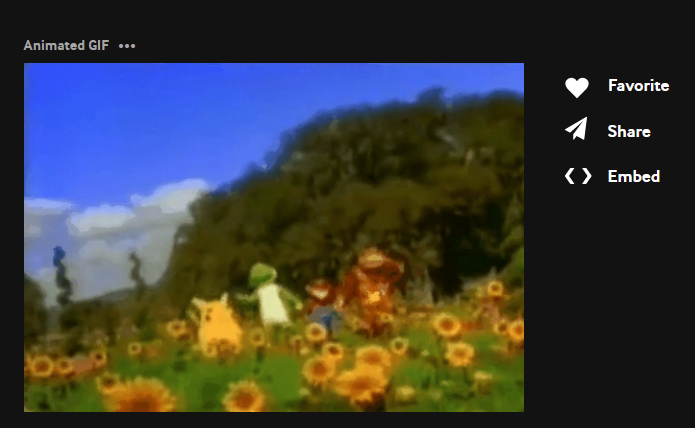
- Go to Giphy’s site and search for a GIF of your choosing
- Once the GIF has been selected, click on the share button on the right-hand side
- Below “Copy GIF Link,” a variety of formats are listed. By default this is set to social. Select “MP4”
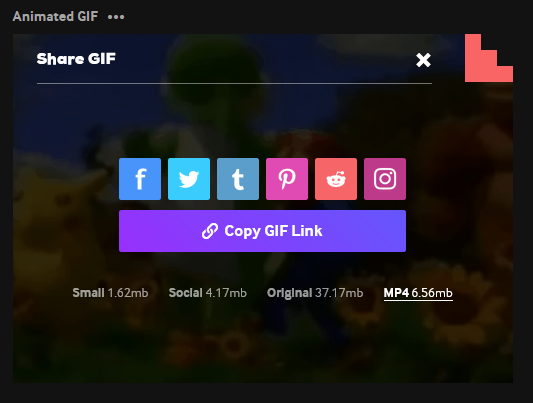
- Now that MP4 has been selected, click “Copy GIF Link”
- Now that the GIF link has been copied, paste the link in a new tab. The results should look as follows:
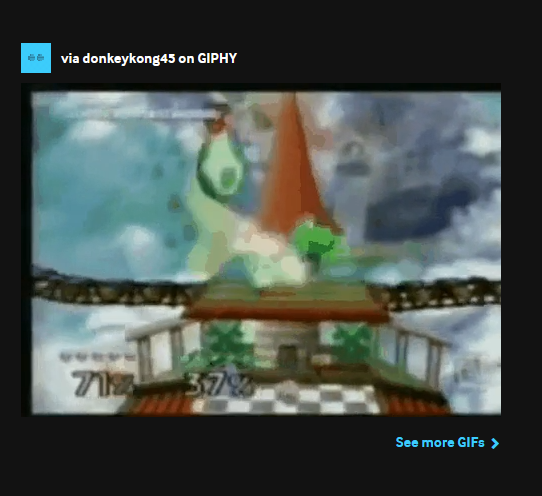
- *Right click the pictured GIF and press “Save Video As.” This file will be saved as an MP4 and will be used with FFglitch. Try to make the name something simple to make referring to it in Git Bash a much easier process. In this case, I will be naming my file “smash.mp4.”